I’ve an Affinity for Free Art Software
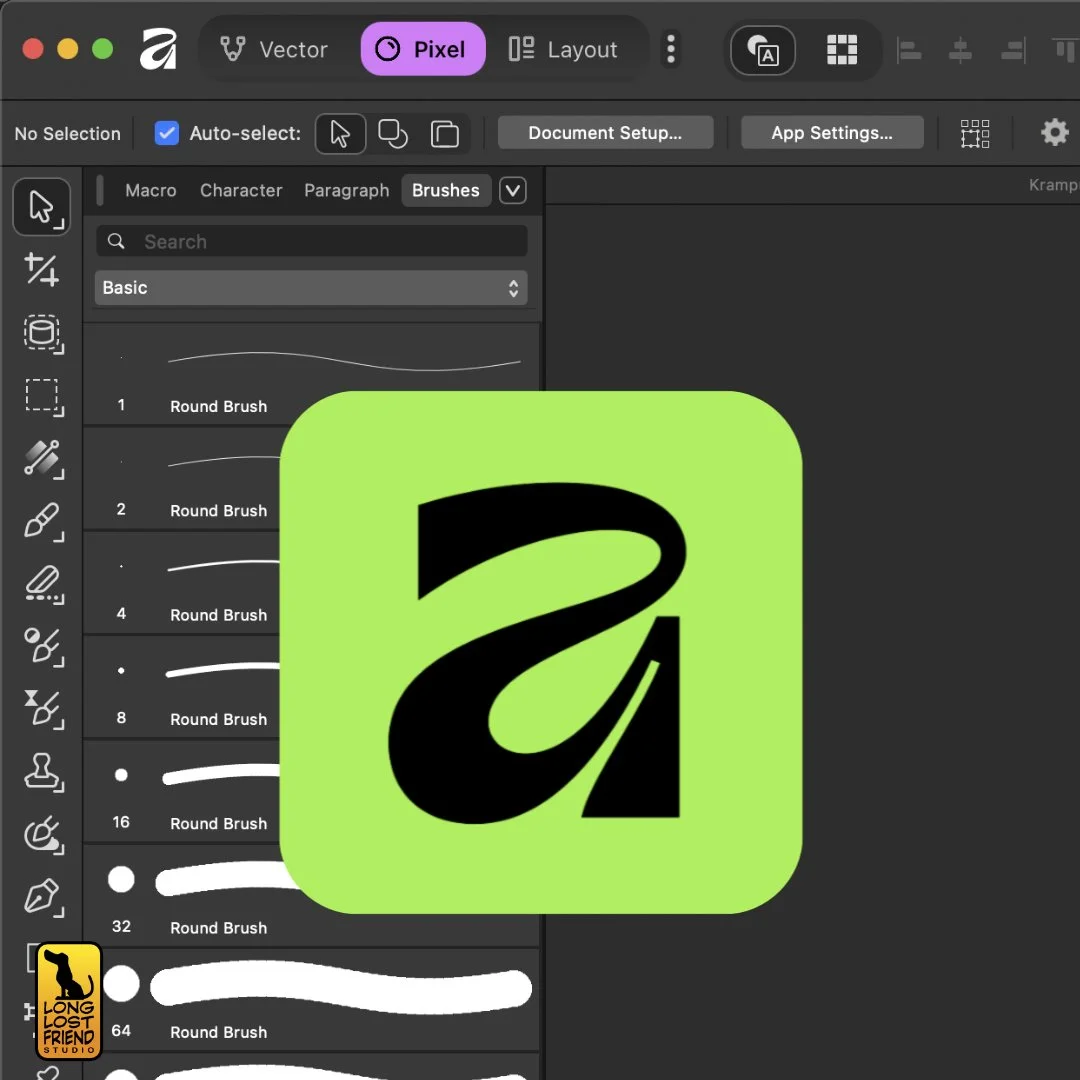
Affinity’s new free version has got people talking
Could you turn a buck with a free app? That’s the question we pose in this week’s video. That is, can a reasonably skilled illustrator, using only the new, completely free Affinity app, create a piece of art they would happily hand in to an art director or client? Let’s find out.
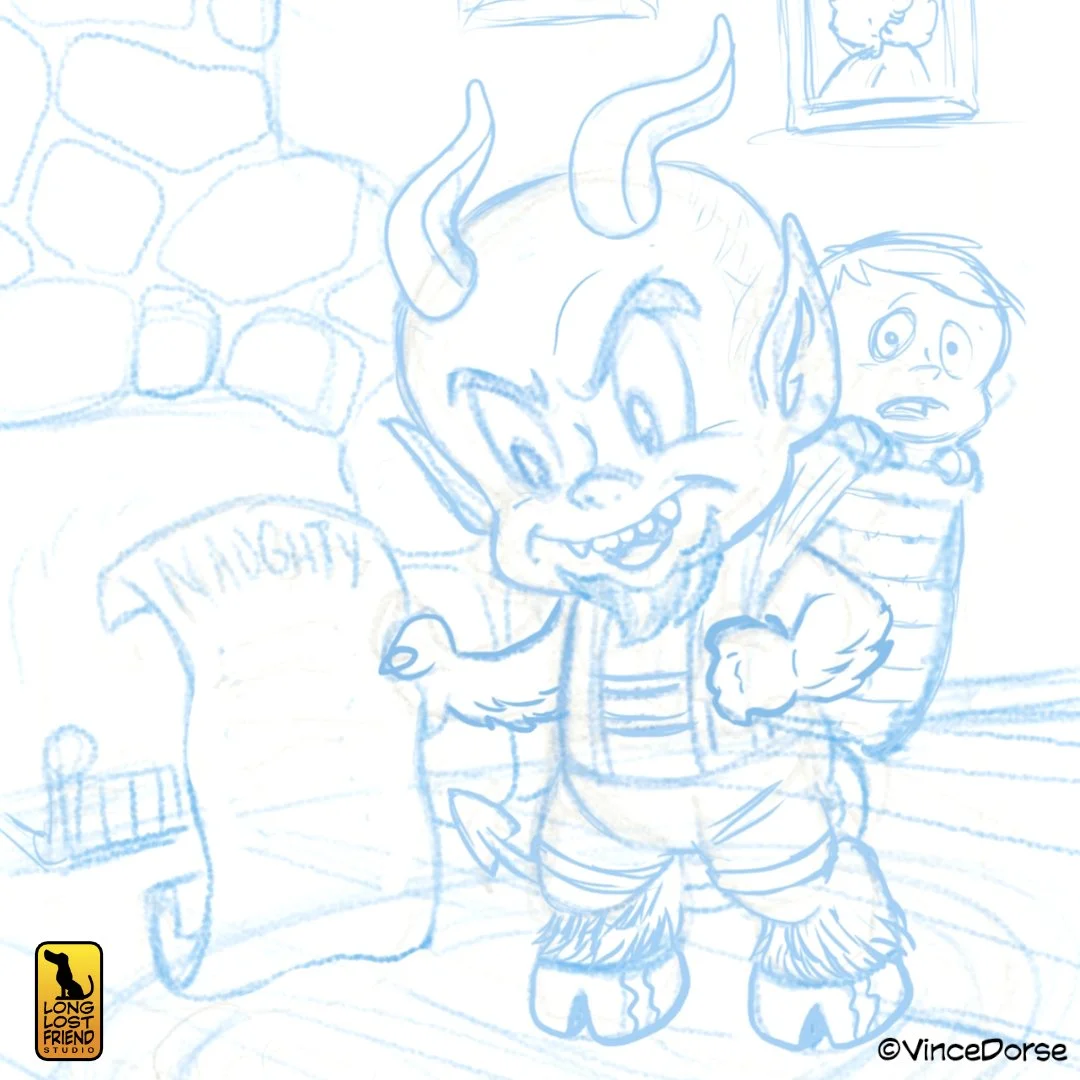
Cleaning up my roughs with a blue pencil
Even before you put stylus to tablet, the app has essentially paid for itself. But once you realize what a robust collection of digital brushes, tools, and effects comes with the app, you might even feel spoiled. And since the only thing better than getting it free is if they’d pay you to use it, our goal was to determine if you could create a viable, paycheck-worthy piece of art with this app.
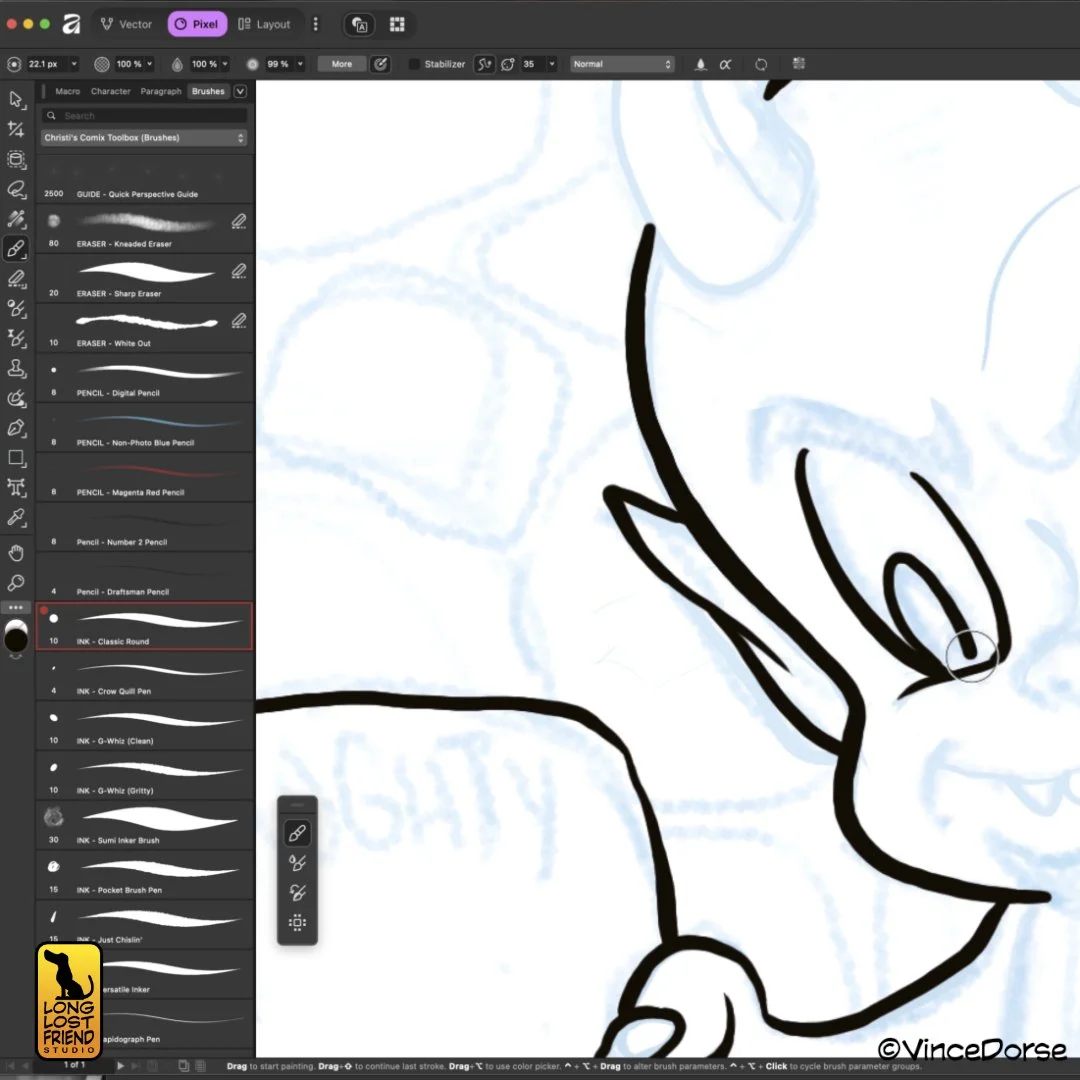
Custom brushes are easy to load into the new Affinity
So we took it for a spin. Having used both Affinity Photo and Affinity Designer for a number of years, the learning curve was not very steep. But there were a few differences in the user interface I had to navigate through to find the tools and functions I needed. Once I got my bearings, I spent most of the video trying out the tools I would typically use during the various stages of a creating a cartoon-style illustration: pencils, inks, and colors.
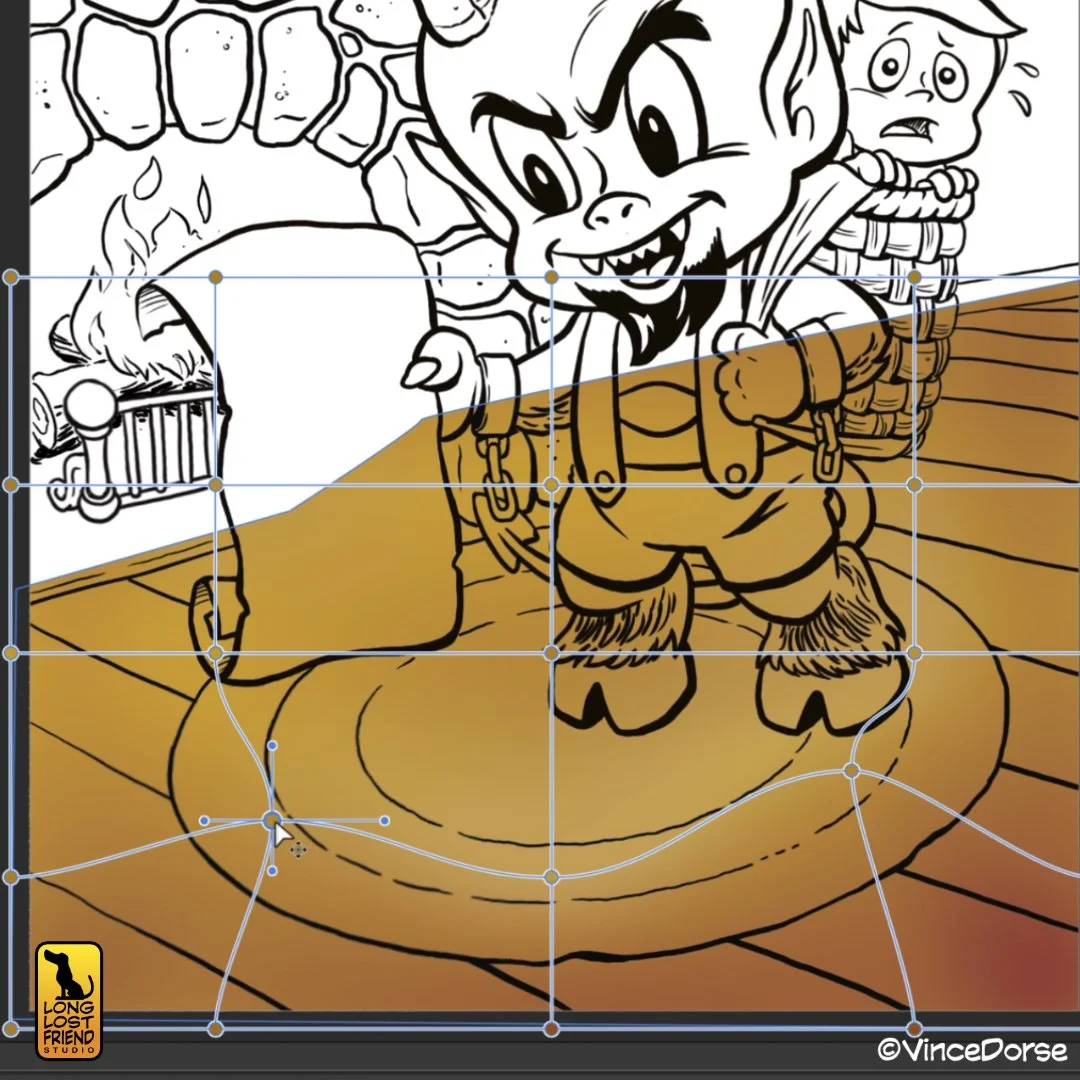
They’ve finally added a mesh gradient in the Vector studio
For subject matter, and keeping the time of year in mind, we decided on a piece of holiday cartoon art that fits well within the scope of things I’ve been hired to do. Krampus, inspired heavily by Harvey Comics’ Hot Stuff, has slipped down the chimney and, instead of a deposit, is making a withdrawal. While I worked my way through the illustration, Michelle and I discussed the pros and cons of the app, the tools, and the possibilities.
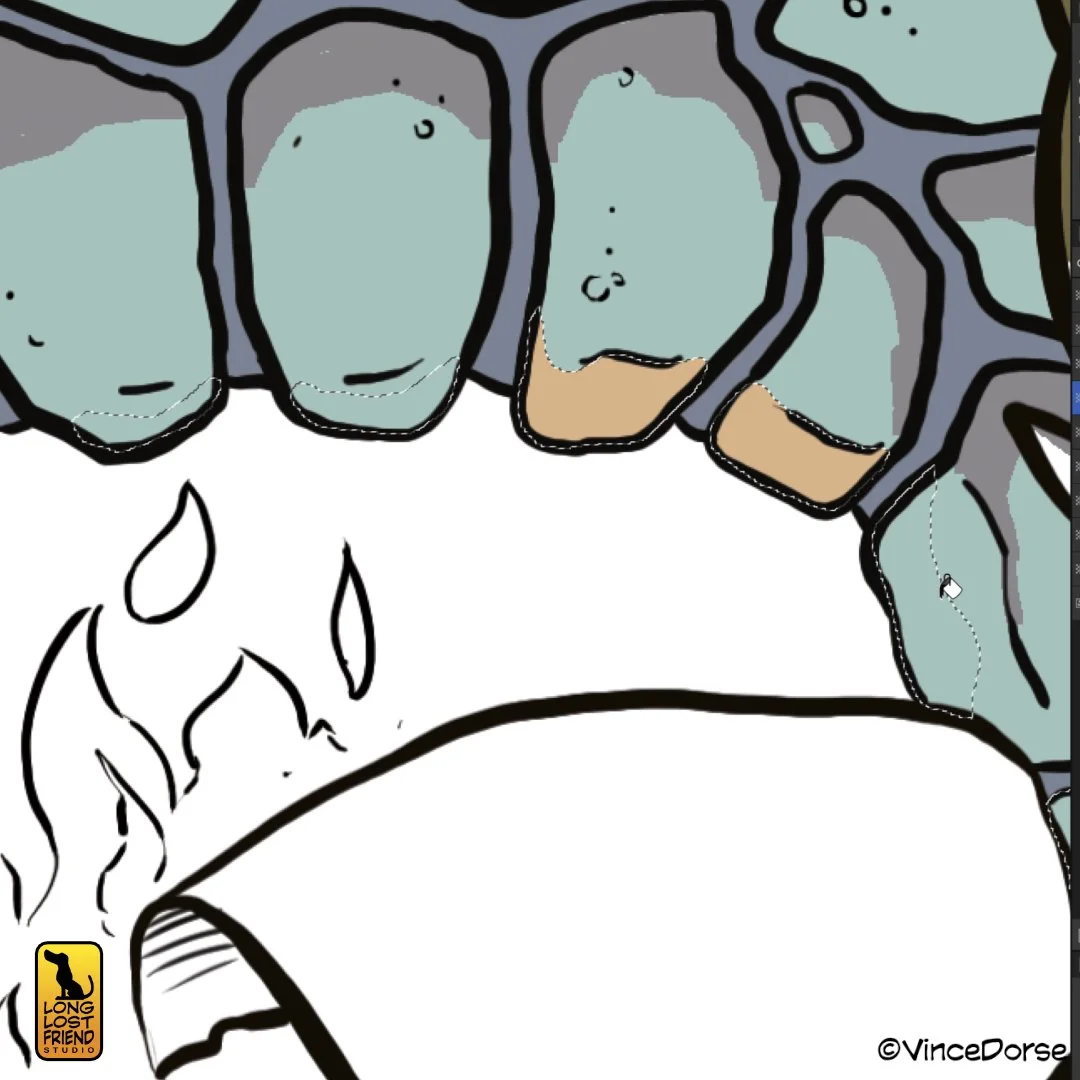
If you’ve used other drawing apps, Affinity will feel comfortably familiar
One such possibility is that a free app like Affinity might not be a bad way for a curious would-be-digital-artist to get started. Experimenting with a new medium can be pricy (as a person who went all-in on power carving, I speak from experience). Some drawing apps can begin as low as twelve bucks, which is basically a cup of coffee. Think I’m kidding?
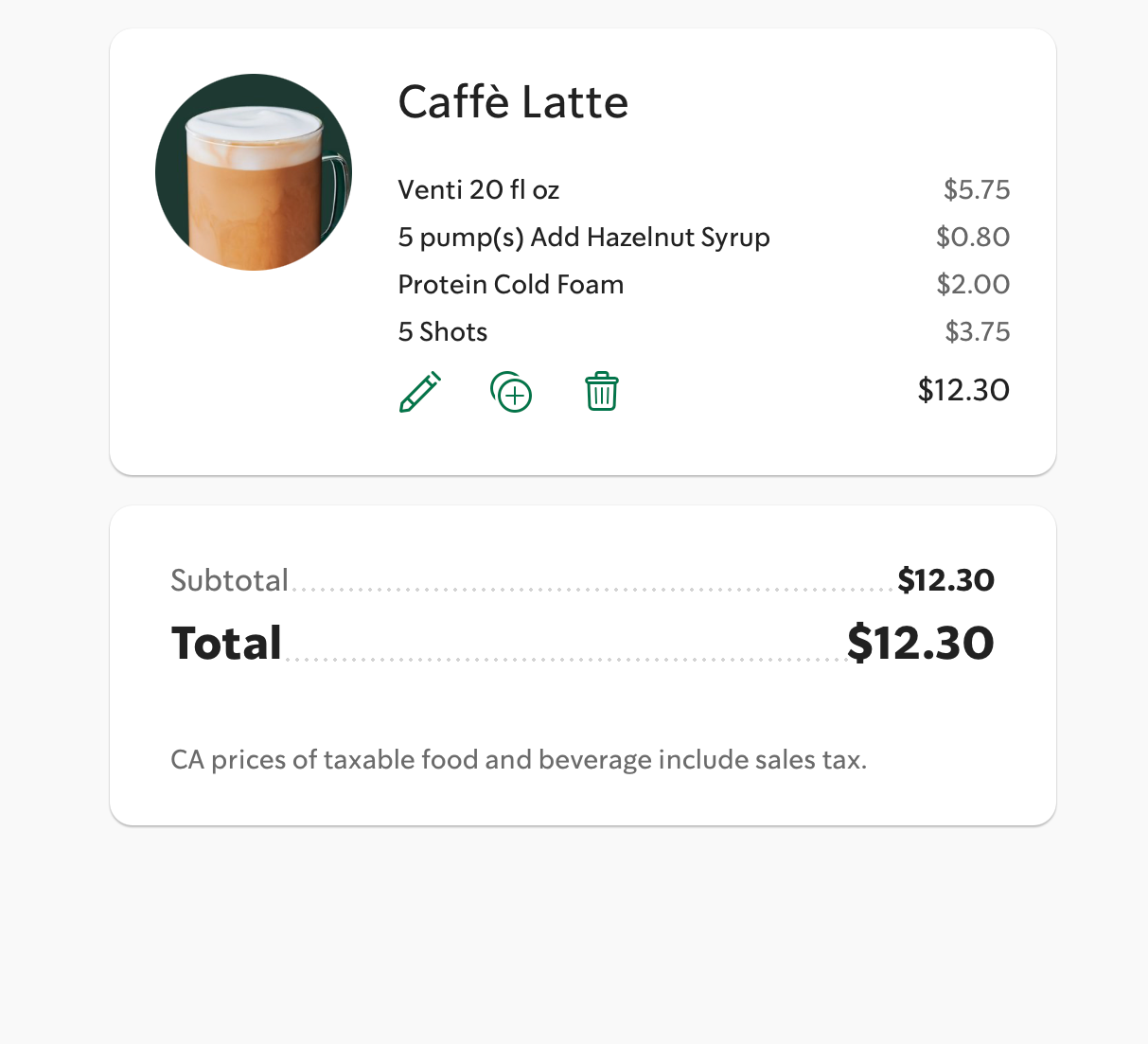
I know I’m overdoing it with the espresso, but the point is, art software is rarely free of charge. Other apps — like industry-standard Photoshop — are built on a subscription model that will syphon the funds from your account on a monthly basis. And if you’re not booking jobs on a regular basis, the cost can build up.
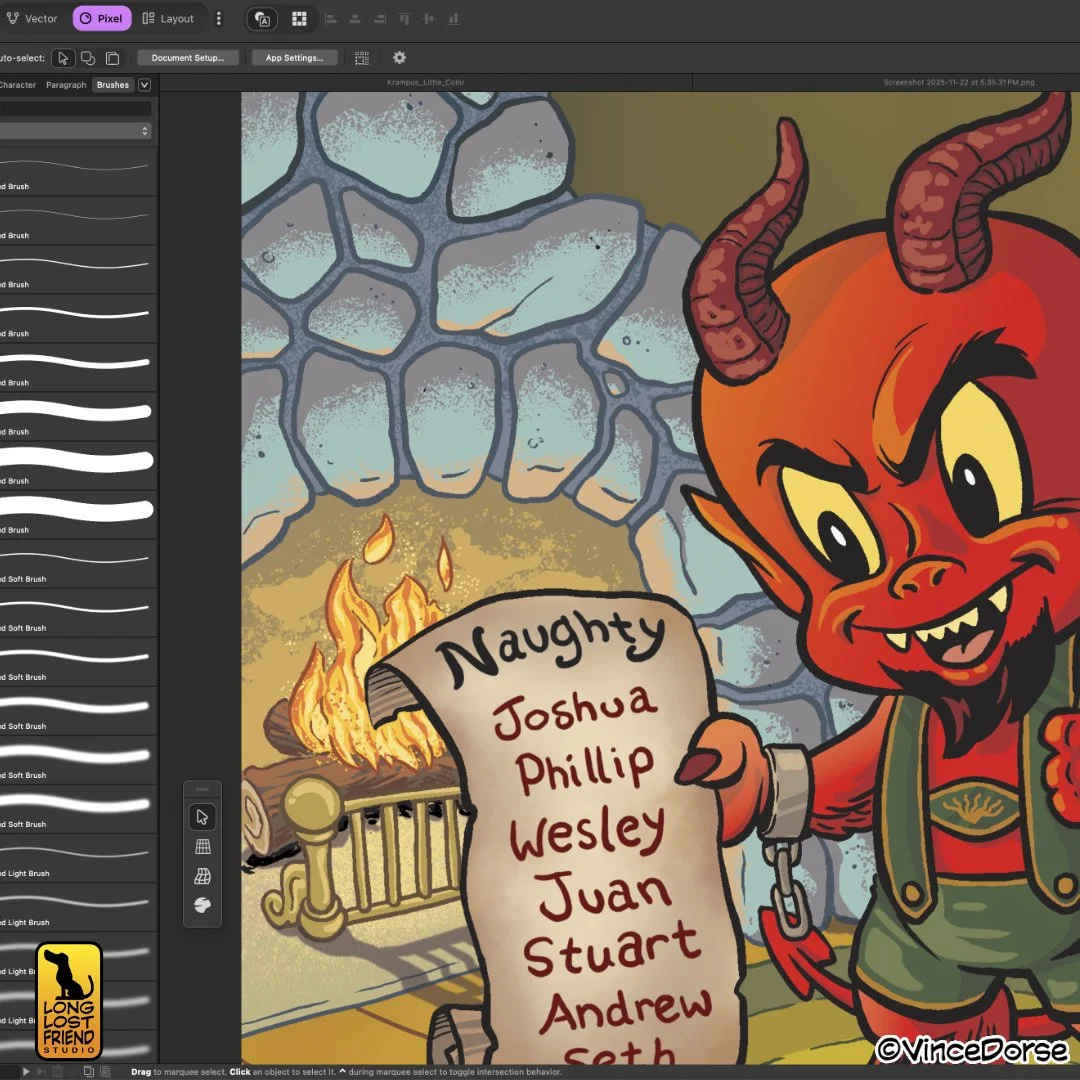
With Affinity, you can also create gradients and halftone effects
But at an industry-shaking Zip dollars and Zero cents, Affinity, with all of its bells and whistles, removes an impediment that often prevents budding illustrators from beginning their artistic journey. The app combines all three of the programs available in the Affinity Suite: Affinity Photo is now called Pixel and handles raster images. Affinity Designer is renamed Vector and is for creating, you guessed it, vector images. The third studio is a rebranding of Affinity Publisher as Layout. A generous package considering the price.
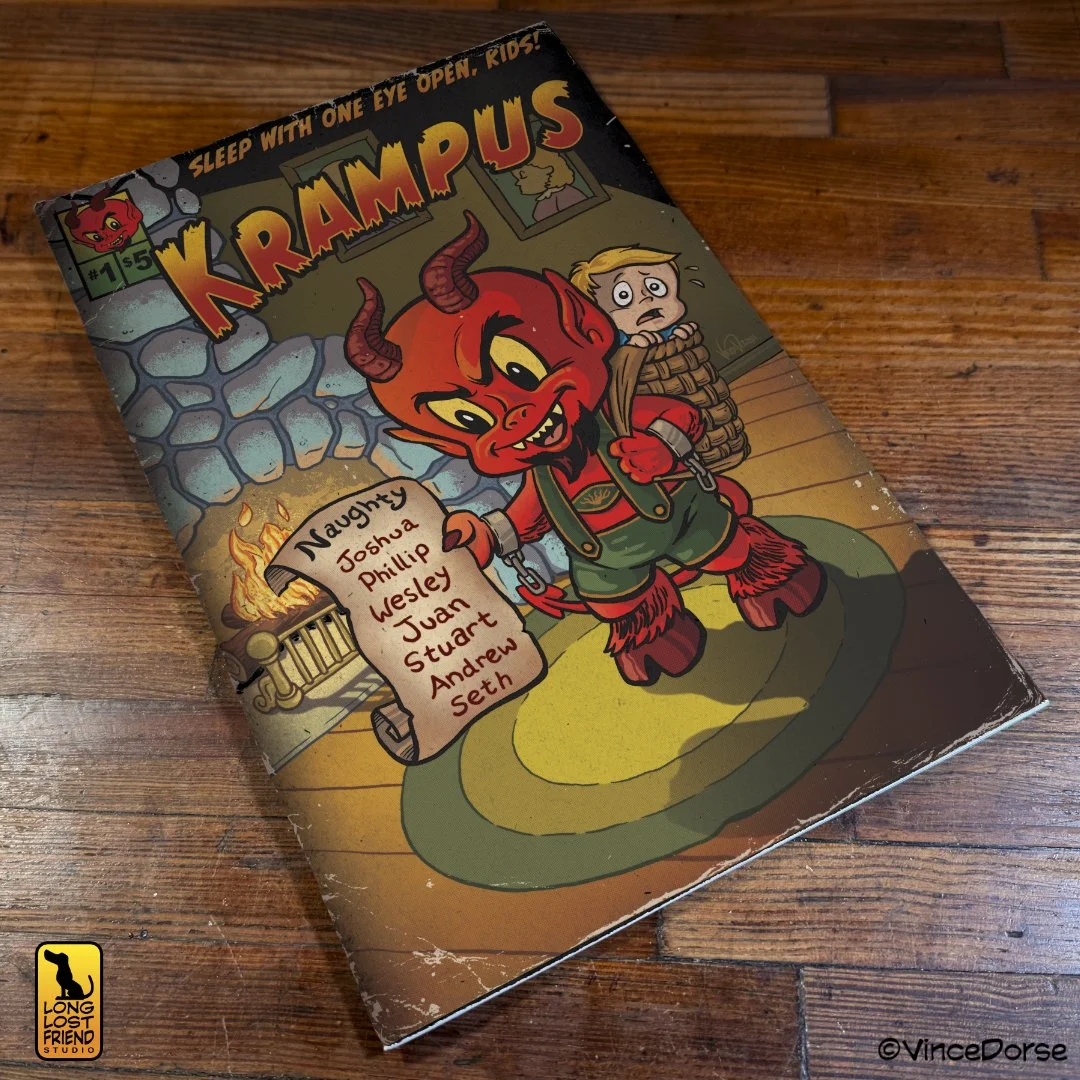
What the image might look like as a comic book cover
If you’d like to see what we thought about the new Affinity, and watch us put together this devilish, holiday-themed, cartoon illustration, you can view the video at the link below. Happy Holidays!